


Your saved forms
Every Form 26 you make, your Form 23 details and the certificate PDFs you add are kept with the inspection. Open always shows the kept copy.
For: Pool safety inspectors · Last updated 19 November 2026
What it is
Forms are kept with each finished inspection, so you never have to make one again just to look at it.
Read more
Open always opens the copy kept at the time. PoolPreCert doesn't issue or lodge anything: you do that in the QBCC Portal, and this keeps your own copy.
Who it is for
Inspector businesses. Everyone in the business can open the forms; people who can change records can add them.
How to do it
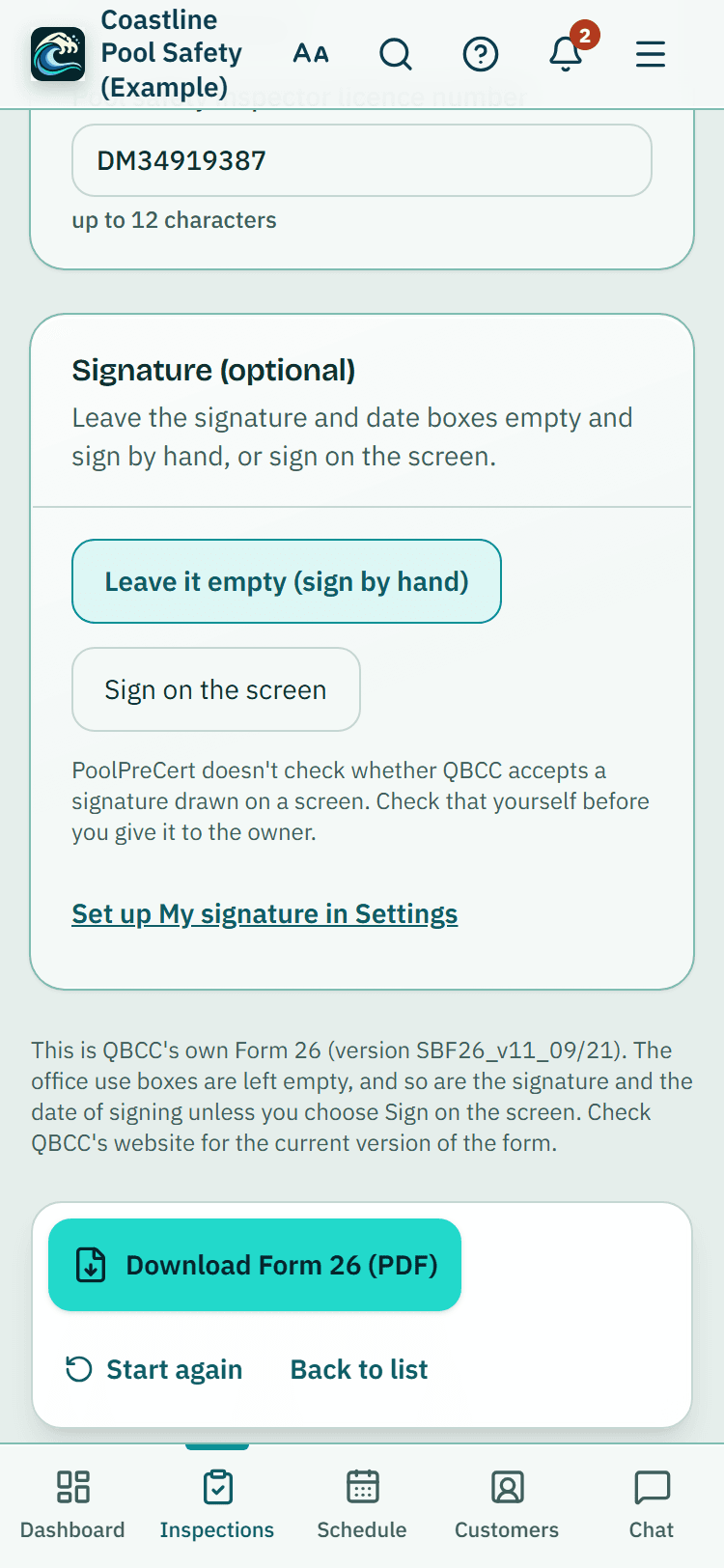
Form 26: every one you download for a finished inspection is kept, with the date, time and who made it.
On To lodge, an inspection with items recorded as Fail already has one made from the inspection, marked Made from your inspection: check it before you sign, with Open, Save and Share. Once it's lodged, Records calls it Form 26 (made from your inspection). Check and change the boxes makes a new version; the earlier ones are kept.
Form 23 details: on the data sheet, type the description, exemption and minor repairs and the issue date you chose, then press Save Form 23 details.
They are also kept when you press Done, I've lodged it, with the date and any QBCC reference.
The certificate: after Done, I've lodged it, press Choose the PDF and pick the certificate you downloaded from the QBCC Portal (a PDF up to 10 MB).
Add the number and dates if you like; an empty expiry uses 1 year for a shared pool and 2 years otherwise. It also goes on your Certificates page, which reminds you before it expires.
Open: a saved PDF opens on the screen inside PoolPreCert, on a phone too, with Share (where your phone offers it), Save and Email it to me.
Email it to me sends the PDF, attached, to your own sign-in address only, so you can open it in your mail app. It never goes to your customer. The buttons are under the last page too, and Back (top and bottom) takes you to where you opened it: To lodge, Records, Forms or the inspection.
Email it: Email it to your customer sends one email from your business with a private link that lasts 14 days.
Nothing is sent unless you press it. Each email is listed, with Send again.
Find them: Records lists finished inspections newest first, with All, Not lodged, Lodged, Has Form 26 and Certificates, and a search box for the address or customer.
They also show on the inspection, the property, the pool and the customer. In Simple view, press Forms on Home.
Tip: Email it to your customer sends one email from your business with a private link that lasts 14 days. Nothing is sent unless you press it.
Good to know: A kept copy is your record. It isn't a QBCC copy: the Portal and QBCC's register remain the official record.
Kept for five years
Saved forms can't be changed or deleted while the inspection is within five years of being finished, the same as its photos and videos. They are in each inspection's Full record (ZIP), in Download my inspection records and in your personal data export. Closing your account deletes them with everything else, so download your records first.
Add QBCC PDFs on the inspection's Forms page: the certificate you issued, or the Form 26 as you gave it.
What it does not do
- PoolPreCert has no connection to the QBCC Portal. It doesn't issue a certificate, lodge a form or check one.
- A kept copy is your record. It isn't a QBCC copy, and the Portal and QBCC's register remain the official record.
PoolPreCert helps you do and record your work. It does not decide whether a pool meets the Queensland standard. Only a licensed pool safety inspector does that.
Related articles
To lodge: your end-of-day list
At the end of the day, To lodge lists every finished inspection not yet ticked off. Copy each one's details into the QBCC Portal, then press Done.
QBCC-ready data sheet
Check, edit and download a Form 26 pre-filled from your inspection, and follow the Form 23 steps with the details ready to copy into the QBCC Portal.
Inspection records, Form 26 reminders and retention
Keep the records QBCC asks inspectors to keep: times, who was present, video of gates, a barrier sketch, notices given, a keep-until date and record packs.

Was this helpful?
YesNo, tell us what was missing
This opens an email to the PoolPreCert team. Please do not include passwords or personal details.
Still stuck? Contact support
Email support@poolprecert.com and tell us what you were trying to do and which screen you were on. Please do not send passwords or card numbers. The PoolPreCert team will reply.