

The AI photo check for your pool barrier: what it can and cannot see
The AI photo check looks at one photo of your pool barrier and writes notes about anything visible that may be a problem, so you know where to look in person. It cannot measure, it cannot tell whether a gate closes or latches, and it cannot see what is outside the picture. Its notes are counted separately as AI photo notes, not as Looks OK or Needs attention. It decides nothing. A licensed inspector decides.Source: PoolPreCert's Help article on the AI photo check (updated 16 Oct 2026) and the app as built, read 5 Nov 2026. Rules for what an inspector measures: QBCC, Pool fences (page reviewed 12 May 2025).
What it looks for
The check is told to describe what is visible in the photo and point out anything that could be a concern, in these groups:
- Gates: a damaged or missing latch or hinge, a gate that sags or is out of line, anything in the way or propping it open, rust or rot.
- Fencing: broken, loose or missing panels, rails, palings or posts, openings or gaps, corrosion and rot.
- Glass: cracks, chips, damaged spigots or clamps, panels that look loose or out of line.
- Things a child could climb: furniture, pots, barbecues, toys, bins, ladders, trees, branches, garden beds and retaining walls near the barrier.
- The CPR sign: whether one is visible, and whether it looks damaged, faded or blocked.
- In general: plants growing into or over the barrier and any other way in.
No charge to run the self-check. It is not an inspection.
What you see afterwards
The check writes a short summary of what the photo shows, then a note for each thing it spotted. Each note says what is visible, what the possible problem is and a next step. It carries a severity word from Informational to Critical, and a tag such as Possible defect, Requires physical testing or Requires professional assessment. Some notes also say Check in person or Measurement needed. If a note is low in confidence, the app says so and tells you to treat it as a prompt to look, not a confirmed defect.
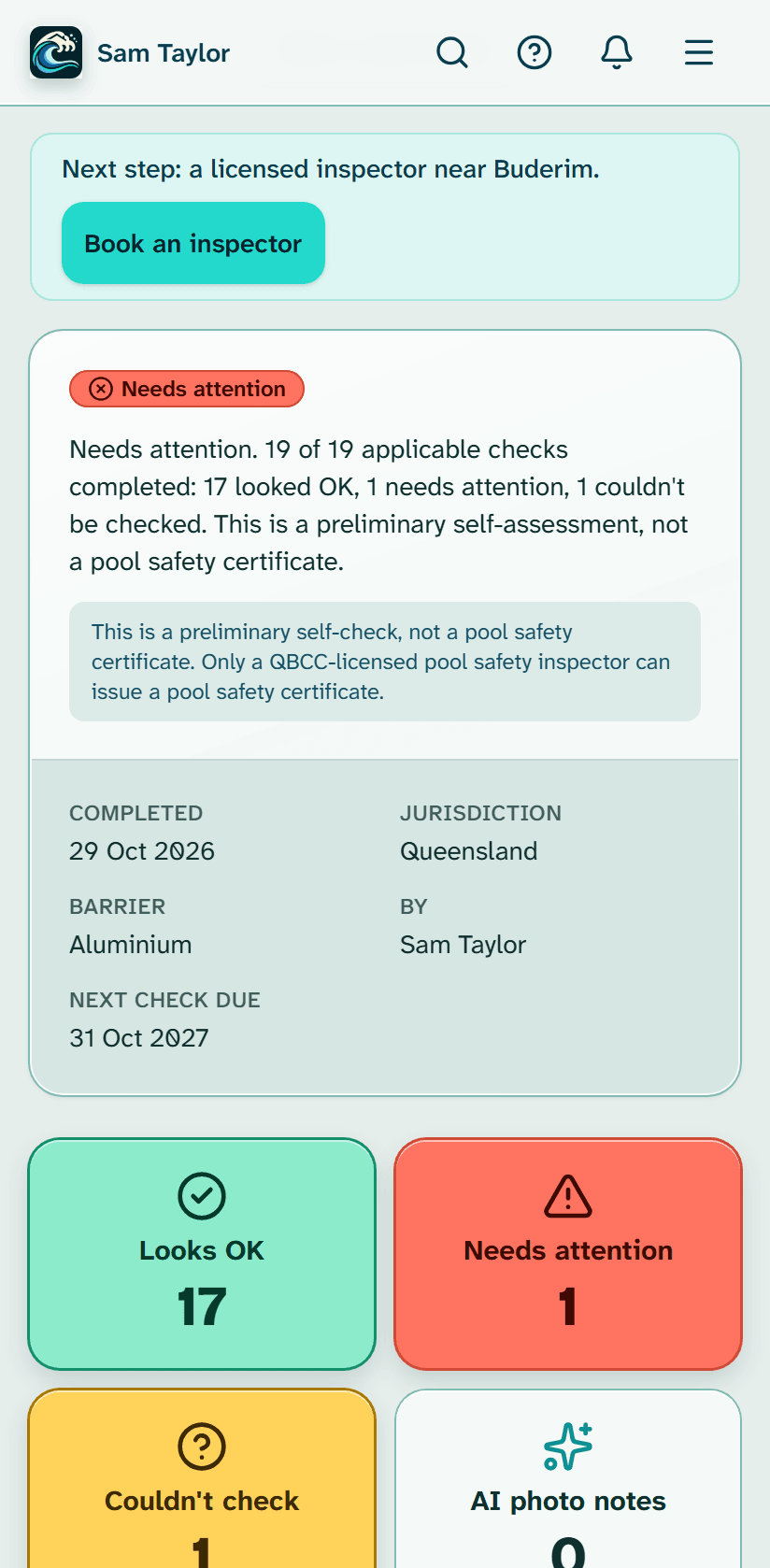
You can accept each note, change its severity or dismiss it. On the results page the notes are counted as AI photo notes, in their own tile beside your three counts: Looks OK, Needs attention and Couldn't check. A note never changes one of those three answers by itself. If the photo is too blurry, dark or far away, or does not show a barrier, the check says so and asks for a retake, and says where to stand.
What it cannot do
- Measure. It is told never to state a height, gap or distance. If a number matters it asks you to measure with a tape and type the number into the checklist, which checks it against the rule. Photos cannot measure. QBCC's rules are in millimetres at particular points: how to measure a pool fence.
- Test a gate. A photo cannot show whether a gate closes by itself or whether the latch catches, so any note about how a gate works is flagged to check in person.
- See what is not in the picture. If something important is out of frame, it says so and suggests another photo instead of guessing.
- Say a pool meets the standard. It never describes a pool, fence or part of one as meeting the standard, and wording like that is replaced before you see it.
- Work on every photo. It does not read HEIC photos (set an iPhone camera to Most compatible, or upload a JPEG), does not run on photos still waiting to upload while you are offline, and is switched off in the demo.
How to take a photo it can use
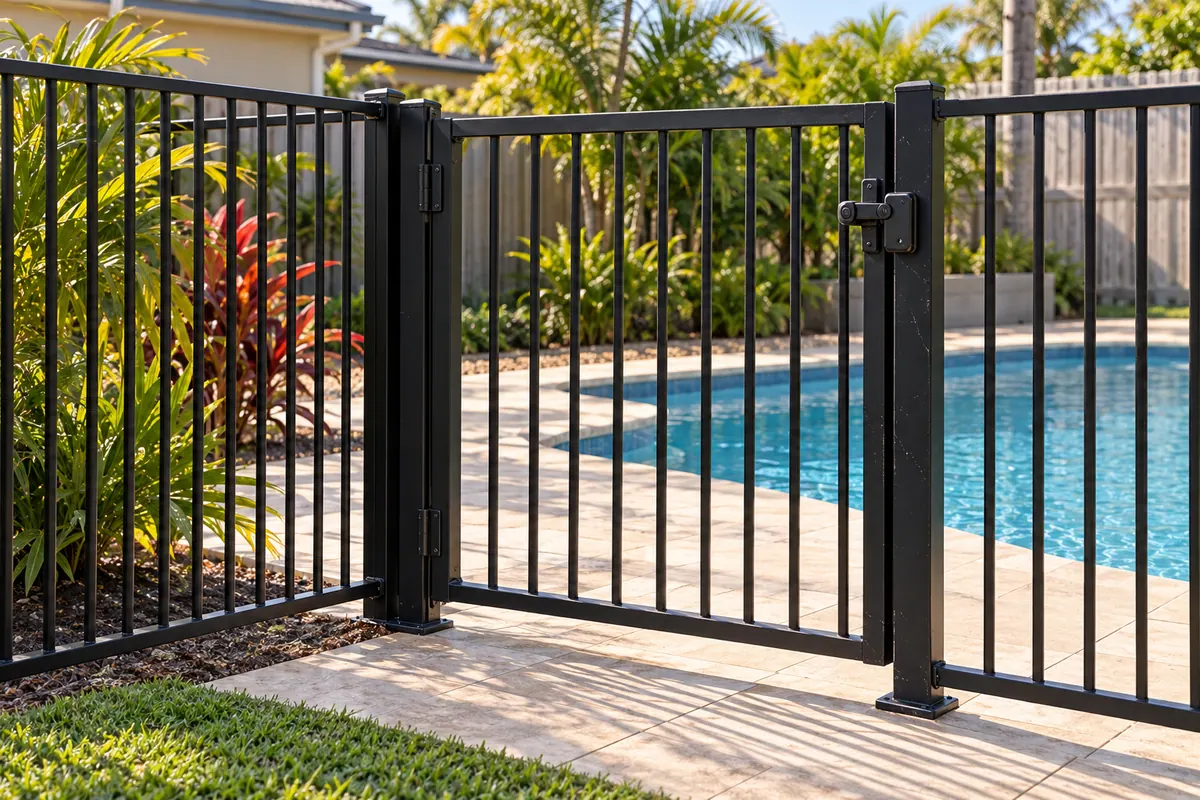
Take it in good light, from a step back, so the fence, gate or latch is in the picture. Leave out people, children, number plates, documents and security codes. For a gate, stand outside it, a couple of metres back, so the whole gate, latch and hinges fit.
Where your photo goes, and the limits
When you press the button the app first shows a notice. It says the photo is sent to our AI provider, Anthropic, which may process it outside Australia, to look for visible hazards, and that it is not used to train AI models. Our Privacy Policy has the details. Each plan has a monthly allowance of AI photo checks and a meter in the app shows how many are left; the allowances are on the pricing page. We have not published an accuracy figure and make no claim about one. The check can be wrong or miss things, so use it as a second pair of eyes, never as the last word.
The same check is in the inspector's version of the app, where an inspector reviews every note. It is not an inspection either way: QBCC's June 2026 fact sheet says that forming a view about whether a pool meets the standard is something a licensed inspector does when they inspect. The Help article is AI photo check: what it does and what it doesn't, and the whole self-check is explained in how it works.
How this page was made: the PoolPreCert team read each page listed under Sources on 5 November 2026 and wrote this in plain words. The dates beside each source are the dates those pages show. PoolPreCert is not part of QBCC or the Queensland Government, and only a licensed pool safety inspector decides whether a pool meets the standard.
Check your barrier before you book
Walk around your pool with the PoolPreCert app and mark each check Looks OK, Needs attention or Couldn't check. A licensed inspector decides.
No charge to run the self-check.
Common questions
Does the AI photo check tell me whether my pool barrier meets the standard?
No. It describes what is visible in one photo and suggests things to look at in person. It never says a pool or fence meets the standard, and only a licensed pool safety inspector decides.
Can it measure my fence or test my gate?
No. It is told never to state a measurement, so any number is replaced with a note to measure it yourself with a tape and type it into the checklist. It also cannot say whether a gate closes or latches, because that cannot be seen in a photo.
Where does my photo go?
To our AI provider, Anthropic, which may process it outside Australia. The app shows a notice before every check, says the photo is not used to train AI models, and asks you to leave out people, children, number plates, documents and security codes.
How many AI photo checks do I get?
Each plan has a monthly allowance, and the usage meter in the app shows how many are left. The allowance for each plan is on the pricing page.
How accurate is it?
We have not measured or published an accuracy figure and make no claim. It only sees what is in the photo and can be wrong or miss things, so treat it as a second pair of eyes, never the last word.